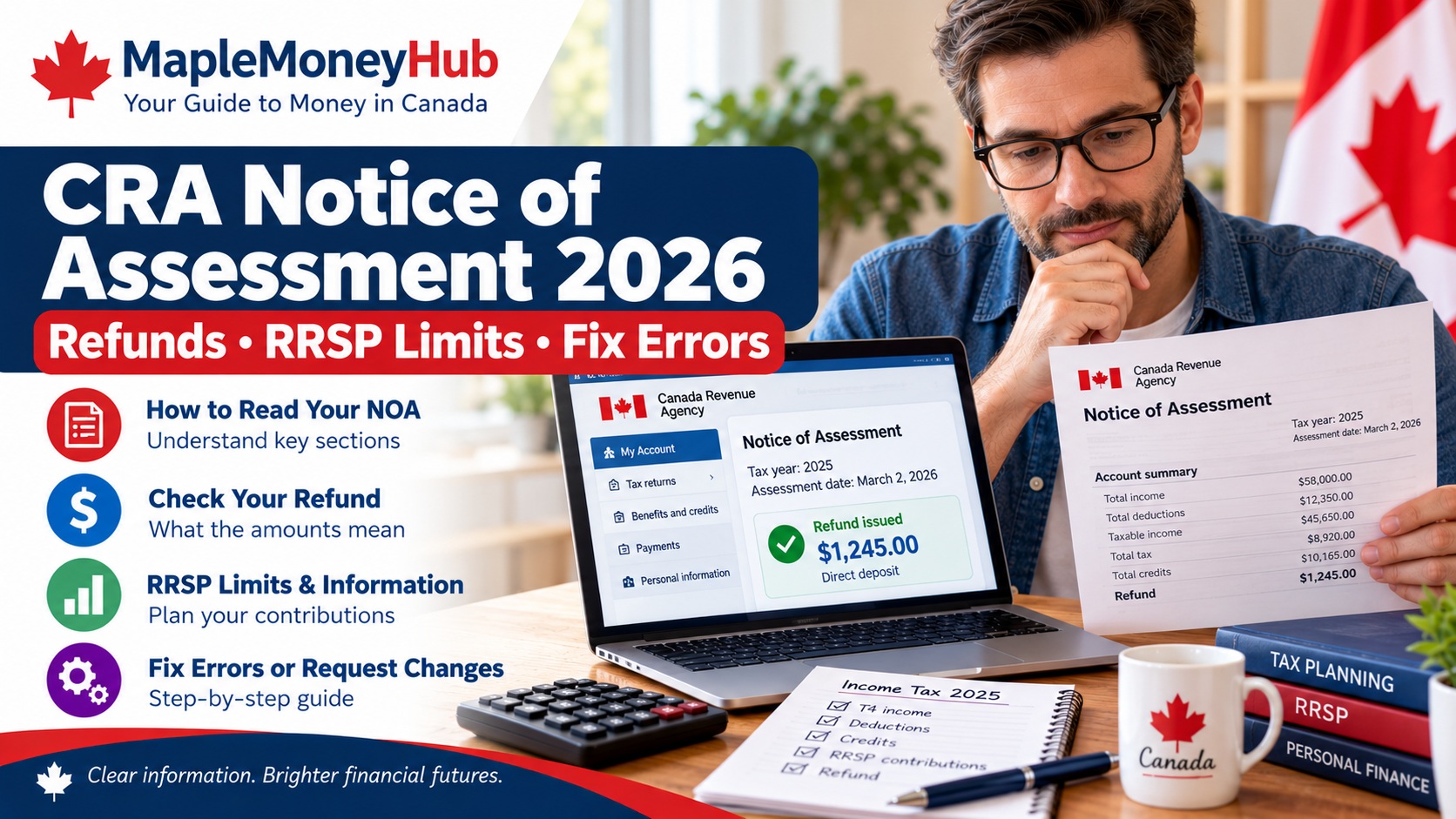
CRA Notice of Assessment 2026: How to Read It, Check Your Refund & Fix Errors
Updated October 27, 2026 | MapleMoneyHub.com
A CRA Notice of Assessment (NOA) is the official summary issued after the Canada Revenue Agency processes your income tax return. It shows whether you have a refund, balance owing or zero balance, along with assessed tax amounts and any changes made by the CRA.
In 2026, you can view your digital NOA through CRA My Account. If you discover an error in your return, wait until it has been assessed before requesting a change.
Did you file your 2025 Canadian income tax return in 2026 and receive a Notice of Assessment you don’t fully understand?
You’re not alone. The notice contains several figures that may look similar but mean very different things. Your assessed income, tax payable, refund, RRSP deduction limit and available contribution room are not interchangeable.
This guide explains what each important section means, how to access your notice, why your refund may differ from your tax software estimate and what to do if something looks wrong.
What Is a CRA Notice of Assessment?
A Notice of Assessment is a statement the Canada Revenue Agency issues after assessing an income tax return.
It confirms the outcome of the assessment and summarizes key tax information. Depending on your circumstances, it may include:
- The tax year and assessment date.
- Your refund or amount owing.
- Income and tax calculation figures.
- Explanations of adjustments made by the CRA.
- RRSP deduction limit and contribution-room information.
- Other tax-related carryforward information, where applicable.
Important distinction: A notice issued in 2026 usually relates to the 2025 tax year if you filed your 2025 return during the 2026 filing season. Always check the tax year printed on the notice.
How to Find Your Notice of Assessment Online in 2026
The CRA’s 2026 tax-filing guidance explains that digital notices of assessment and reassessment are available in My Account after the CRA receives and processes a return.
- Visit the official CRA account sign-in page.
- Sign in using an available CRA authentication method.
- Open your Individual account.
- Select Tax returns.
- Choose the assessed tax year.
- Open the available notice of assessment or reassessment.
- Save a copy securely if needed for your records.
How to Read the Main Sections of Your CRA NOA
Although the appearance of notices can vary, the CRA identifies several important sections.
| NOA Section | What It Means | What to Check |
|---|---|---|
| Notice details | Identifies the tax year, notice date and taxpayer information. | Correct year and personal details. |
| Account summary | Shows refund, amount due or nil balance. | Whether money is coming to you or owed to the CRA. |
| Tax assessment | Summarizes assessed income, credits and tax amounts. | Differences from your submitted return. |
| Explanation of changes | Explains certain CRA adjustments. | Missing slips, revised credits or corrected figures. |
| RRSP information | May show deduction limits and available room. | Limits relevant to future RRSP planning. |
| NETFILE access code | Provides an eight-character code used by tax software. | Keep it private; do not publish or share it. |
What Does Refund, Amount Due or Balance Nil Mean?
Look first at the account summary. It generally gives one of three outcomes.
| CRA Wording | Meaning | Next Action |
|---|---|---|
| Refund | The assessment shows money payable to you, subject to applicable offsets or adjustments. | Check refund and direct-deposit information. |
| Amount due | You owe the CRA money. | Review the amount and applicable payment deadline. |
| Balance: Nil | The assessed return has no refund or balance owing. | Save the notice for your records. |
A refund shown on your notice does not always mean the same amount will be deposited into your bank account. The CRA may apply some or all of a refund against certain outstanding government debts.
Example: How to Understand a CRA Assessment
Suppose a Canadian employee filed a 2025 tax return and the following amounts were assessed:
| Item | Example Amount |
|---|---|
| Total income | $58,000 |
| Deduction for eligible RRSP contributions | $3,000 |
| Income after this deduction, before other adjustments | $55,000 |
| Final federal and provincial tax liability, after applicable credits | $9,400 |
| Income tax already withheld | $10,200 |
| Illustrative refund | $800 |
The simplified calculation is $10,200 − $9,400 = $800.
Actual Canadian tax returns can include other deductions, credits, provincial rules, payments and adjustments. The example is designed only to show how a refund can arise when tax paid exceeds final tax liability.
Why Is Your CRA Refund Different From Your Tax Software Estimate?
Your tax software may show an expected refund before the CRA finishes assessing your return. That estimate is not a final CRA determination.
Differences can arise because of:
- A T4, T5 or other income slip not reflected correctly in the return.
- A deduction or credit adjusted during assessment.
- A calculation or data-entry error.
- Different carryforward information held by the CRA.
- A previous balance or government debt affecting the refund actually paid.
Practical Example
Imagine your software estimated a $1,200 refund, but the NOA shows $900.
Rather than assuming $300 disappeared, compare the assessed tax lines against your filed return and read the explanation of changes. The difference might result from a corrected credit, an additional amount of income or another adjustment.
If the NOA still seems incorrect after reviewing the explanation, contact the CRA or consider the appropriate correction or dispute process.
How Long Does a CRA Notice of Assessment Take?
Processing time depends on filing method, whether the return was submitted on time and whether additional review is required.
| Filing Situation | What to Expect |
|---|---|
| Online filing | CRA’s general goal for eligible on-time returns is about 2 weeks. |
| Paper filing | Usually longer; check the current CRA processing-time guidance. |
| Return selected for review | May exceed standard processing times. |
| Missing information or complex return | Additional processing may be necessary. |
These are processing targets, not guaranteed dates. The CRA may need more time if it requests supporting documents or reviews your return.
Check the latest estimate using the official CRA processing-time tool.
What Does Assessed or Reassessed Mean?
These two terms are related but not identical.
| Status | Explanation |
|---|---|
| Received | The CRA has received the return but has not completed the initial assessment. |
| Assessed | The CRA has processed the return and issued its initial assessment. |
| Reassessment requested | A change has been requested or initiated but may still be under review. |
| Reassessed | The CRA has changed a previously assessed return and issued a Notice of Reassessment. |
A Notice of Reassessment does not automatically mean you did something wrong. It can result from an adjustment you requested, additional information or a CRA review.
How to Correct an Error on Your 2026 Notice of Assessment
First determine whether the error came from information you submitted or from a CRA decision you disagree with.
Situation 1: You Forgot Income or a Deduction
Suppose you filed your return but later found an eligible medical expense receipt or realized that a T4 slip was omitted.
Wait until your return has been assessed. Then request a change using an available CRA method, such as the online Change my return service or an eligible tax software adjustment.
- Review your original return and NOA.
- Identify the exact line requiring correction.
- Gather the relevant supporting documents.
- Request the change using an official CRA channel.
- Monitor the adjustment status.
- Review any resulting Notice of Reassessment.
Situation 2: You Disagree With a CRA Assessment
If the CRA denied a deduction or made another decision you believe is incorrect, reviewing the assessment and contacting the CRA may help clarify the issue.
When a formal dispute is necessary, you may need to file a Notice of Objection within the applicable legal deadline.
See the official CRA objection and appeal guide.
Where Is Your RRSP Deduction Limit on the NOA?
Depending on your situation, the NOA may include an RRSP deduction limit and available contribution-room statement.
These amounts are related but are not necessarily identical.
| Term | Meaning |
|---|---|
| RRSP deduction limit | The amount of eligible RRSP contributions that may be deductible for the relevant year, subject to applicable rules. |
| Unused RRSP contributions | Contributions already made but not yet deducted. |
| Available contribution room | The amount of additional contributions you may generally make without exceeding the reported room, subject to current adjustments. |
RRSP Example
Suppose your NOA shows an RRSP deduction limit of $18,000 and $4,000 in unused contributions previously reported.
Your available room may be approximately $14,000, assuming no other relevant adjustments.
Do not use an old notice as your only source when planning a large contribution. Check the latest information in CRA My Account and account for contributions or adjustments not yet reflected.
Can You Use a Notice of Assessment as Proof of Income?
A Notice of Assessment is often requested when applying for a mortgage, loan, rental housing or certain financial programs.
It can help establish income information reported and assessed for a previous tax year. However, an NOA is not the same as a recent pay stub or employment letter.
For example, someone applying for a mortgage in October 2026 might provide a 2025 NOA alongside current employment and income documents.
Always ask the lender or organization which tax years and documents it requires.
How to Protect Yourself From Fake CRA Notice Emails
Tax-related scams frequently use urgent language about refunds, reassessments or account problems.
- Open CRA My Account directly through Canada.ca rather than clicking an unexpected message link.
- Never share your CRA password or one-time verification code.
- Be suspicious of requests to pay tax through gift cards or cryptocurrency.
- Verify any unexpected assessment notice through your official account.
- Do not upload an unredacted NOA to public forums or social media.
Your NOA may contain identifying information, tax figures and a NETFILE access code. Store it securely.
CRA Notice of Assessment Checklist
| Check | Why It Matters |
|---|---|
| Tax year | Ensures you are reviewing the correct return. |
| Refund or balance owing | Clarifies your immediate payment position. |
| Explanation of changes | Identifies adjustments made during assessment. |
| RRSP information | Helps with future contribution planning. |
| Assessment date | May matter for dispute deadlines. |
| Personal information | Helps identify outdated CRA records. |
| Save a secure copy | Useful for tax records and financial applications. |
Related MapleMoneyHub Guides
- CRA Tax Refund Delayed in 2026?
- Canada Disability Benefit Payment Dates 2026
- CPP Payment Dates 2026
- Free Canadian Financial Calculators
- Financial Disclaimer
Final Takeaway
Your CRA Notice of Assessment 2026 confirms how the CRA assessed your tax return. Start with the account summary, compare the assessed figures with your submitted return and read any explanation of changes.
Use CRA My Account to access the official digital notice. If you need to correct your filing, wait until the return is assessed and request an adjustment. If you disagree with a CRA decision, check your formal objection deadline.
- Understand Your Notice of Assessment or Reassessment
- CRA 2026 Tax-Filing Season Updates
- Change an Assessed Tax Return
- Find Your RRSP Deduction Limit
- CRA Tax Objection Rights
Last reviewed: October 27, 2026. MapleMoneyHub.com is an independent financial-information website and is not affiliated with the Canada Revenue Agency. This content is educational and does not replace personalized tax advice.