MAPLEMONEYHUB | CRA & TAXES
CRA Account Locked After Too Many Login Attempts? How to Unlock It in 2026
Updated October 29, 2026 | CRA Login Troubleshooting Guide
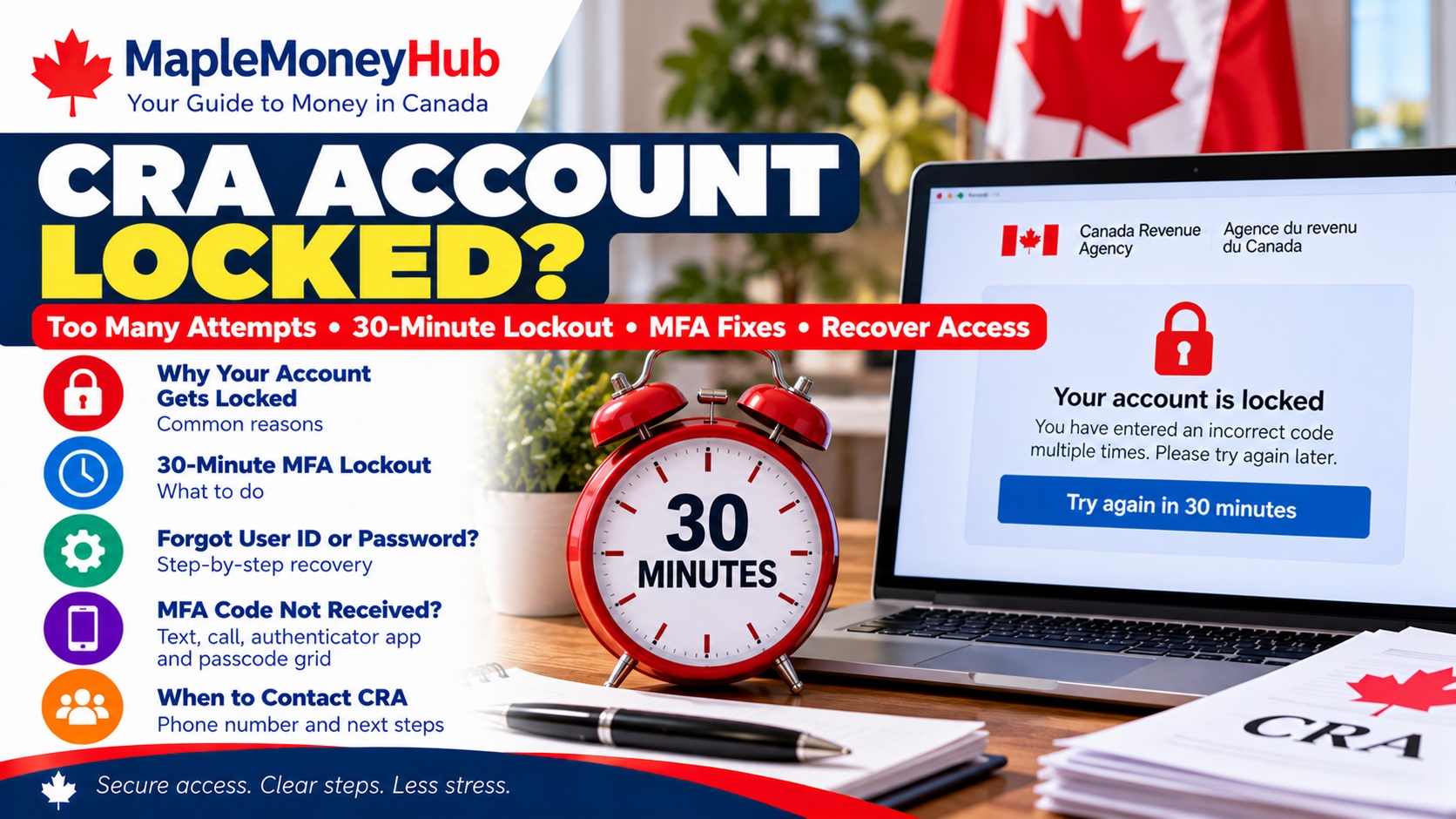
If your CRA account is locked after too many incorrect multi-factor authentication (MFA) passcodes, wait 30 minutes before trying again. You may then use another MFA method that you previously enrolled with.
If this MFA lockout happens three times, the CRA says you will be permanently locked out and must contact the agency.
For other lockouts involving your password, security questions, security code or identity verification, the CRA may allow you to register again or require you to contact support.
- Temporary MFA lockout: Wait 30 minutes.
- Three MFA lockouts: Contact the CRA.
- Forgotten credentials: Use the official recovery options.
- Revoked credentials: Try another authorized sign-in method or register again.
- CRA security restriction: Contact the CRA; registering again may not be permitted.
- CRA individual account support: 1-800-959-8281, option 1 for online services.
Start with the official CRA locked-account instructions.
Seeing a message that your CRA account is locked can be frustrating, especially when you need to check a tax refund, view a Notice of Assessment, update direct deposit details or access benefit information.
However, not every CRA login problem is the same.
A temporary lockout caused by entering an incorrect one-time passcode is different from a revoked CRA user ID, a forgotten password or an account restricted for security reasons.
Choosing the wrong recovery method can lead to more failed attempts and unnecessary delays.
This guide explains the main reasons a CRA account becomes locked, how to identify the problem, when you can recover access online and when you need to speak with the Canada Revenue Agency.
1. Why Is My CRA Account Locked?
The CRA uses security controls to protect sensitive personal and tax information.
According to the agency’s official help pages, repeated incorrect information can trigger an account lockout.
Common causes include:
- Entering an incorrect CRA user ID or password too many times.
- Entering incorrect MFA one-time passcodes.
- Answering security questions incorrectly.
- Entering an incorrect CRA security code.
- Repeated unsuccessful attempts with the document verification service.
Access may also be affected when sign-in credentials have been revoked or the CRA has restricted an account for security or other reasons.
These situations do not necessarily have the same recovery procedure.
2. CRA Account Lockout Types and Solutions
Use the following table to identify the next appropriate action.
| Problem | Likely Situation | Recommended Action |
|---|---|---|
| Wrong MFA passcode too many times | Temporary 30-minute lockout | Wait 30 minutes before trying again. |
| Three MFA lockout incidents | Permanent MFA lockout | Contact the CRA. |
| Incorrect CRA password | Credential recovery or lockout | Use official password recovery; follow lockout instructions if access is blocked. |
| Incorrect security answers | Account verification problem | Check official recovery or registration options. |
| Revoked CRA user ID | Credentials no longer valid | Use another existing sign-in method or register again, if eligible. |
| Security code missing | Identity verification incomplete | Use document verification if eligible or request assistance. |
| Account restricted by CRA | Security or administrative restriction | Contact CRA; self-registration may not resolve it. |
| CRA website unavailable | Maintenance or technical problem | Check service availability before attempting account recovery. |
Do not repeatedly guess passwords, security answers or verification codes. That can make an access problem more difficult to resolve.
3. CRA Account Locked for 30 Minutes: What Should You Do?
A 30-minute CRA lockout is specifically documented for repeated incorrect MFA one-time passcodes.
MFA is the additional verification step used after entering your primary sign-in information.
For example, you may receive a six-digit passcode by text message or telephone call, generate a code using an authenticator app, or use a previously enrolled passcode grid.
Step-by-Step: Recover From a Temporary MFA Lockout
- Stop entering passcodes when the CRA displays the temporary lockout message.
- Wait the full 30-minute period.
- Return to the official CRA sign-in page.
- Choose an MFA method you have already enrolled with.
- Use a current, valid passcode.
- If you cannot access any enrolled method, contact the CRA.
If you use an authenticator app, remember that its six-digit passcodes normally change every 30 seconds.
A code that has already expired may not work.
4. What Happens After Three CRA MFA Lockouts?
The CRA states that if the temporary MFA lockout happens three times, the account will be permanently locked out.
In that situation, waiting another 30 minutes is not the documented solution.
You must contact the CRA to restore access.
When calling, explain that the issue involves repeated incorrect MFA passcodes rather than simply saying your password is not working.
That distinction can help the support representative understand the type of restriction you are experiencing.
Have the exact error message or error code available if one is displayed.
5. How to Recover a Forgotten CRA User ID
If you cannot remember your CRA user ID, the CRA provides an online recovery process.
- Visit the official CRA account sign-in page.
- Choose CRA user ID and password.
- Select Forgot your user ID?
- Enter the requested identity information.
- Answer the security questions established during registration.
- Follow the remaining instructions to recover your user ID.
The CRA’s recovery instructions may ask for your Social Insurance Number, date of birth and information from an assessed income tax and benefit return, including line 15000.
Enter this information only through the official CRA website.
If you cannot answer your security questions, you may need to use another authorized recovery process.
6. How to Reset a Forgotten CRA Password
If you know your CRA user ID but have forgotten your password, use the password-recovery option instead of repeatedly entering guesses.
- Open the CRA account sign-in page.
- Select CRA user ID and password.
- Choose Forgot your password?
- Enter your CRA user ID.
- Answer your security questions.
- Complete the instructions shown by the CRA.
These steps apply to the CRA user ID and password sign-in option.
If you use a bank or credit union through Sign-In Partner, your online banking credentials are managed by that financial institution.
Do not attempt to reset your bank password using the CRA password-recovery process.
Official CRA Account Sign-In7. CRA One-Time Passcode Not Received: How to Fix It
A missing MFA passcode can prevent you from signing in even when your CRA user ID and password are correct.
The CRA supports several MFA options, including telephone, authenticator apps and passcode grids.
If a text-message code does not arrive, try the following.
Option 1: Request the Passcode Again
Use the available option to resend the passcode.
Make sure you are checking the phone number already registered with your CRA account.
Option 2: Use a Different Registered Phone Number
If you previously enrolled more than one telephone number, select another available number.
You cannot simply enter any new number at the sign-in prompt and expect it to receive your code.
Option 3: Choose a Phone Call
If text delivery is not working, try the Call me option.
The CRA specifically recommends this option for certain Voice over Internet Protocol (VoIP) situations.
Option 4: Use an Authenticator App
If you already enrolled an authenticator app, use its current six-digit passcode.
Do not assume that downloading a new app automatically restores access. It must be properly enrolled with your CRA account.
Option 5: Use Your Passcode Grid
If you previously enrolled a CRA passcode grid, you may be able to use it instead of a telephone-delivered passcode.
Follow the row and column prompts shown during sign-in.
If none of your enrolled MFA methods is available, contact the CRA for assistance.
8. Changed Your Phone Number? How to Access CRA
Changing your phone number can cause a sign-in problem when the CRA continues sending passcodes to your old number.
If you previously configured another MFA method, try it first.
For example, an authenticator app or passcode grid may allow access without receiving a text message.
After signing in, open the account’s security settings to update your MFA information.
The CRA’s published steps are:
- Sign in to your CRA account.
- Open Security settings on the Welcome page.
- Select Multi-factor authentication.
- Choose the relevant telephone or backup method.
- Add, remove or update the option as permitted.
If you cannot access any enrolled MFA option, the CRA says you must contact the agency.
9. CRA User ID and Password Revoked: What Does It Mean?
A revoked CRA user ID and password is different from a temporary MFA lockout.
Revoked credentials can no longer be used to sign in.
According to the CRA, you may be able to recover access by using another existing sign-in option.
Possible options include:
- A different CRA user ID and password already associated with your account.
- An available Sign-In Partner.
- An eligible provincial partner.
- Registration with a new CRA user ID and password.
When registering again, you may need to complete identity verification and use an existing MFA method.
Registration with a new credential can remove previous CRA user IDs, passwords or Sign-In Partners linked to your CRA account, subject to the CRA’s published rules.
10. Can You Register Again to Unlock a CRA Account?
Sometimes.
The CRA allows eligible users to go through registration again to regain access when they have lost or forgotten credentials, cannot answer security questions, or have had credentials revoked.
However, registration is not a universal bypass for every lockout.
To register again successfully, you generally need to:
- Use an existing enrolled MFA option.
- Complete the required registration steps.
- Verify your identity.
- Meet the applicable eligibility requirements.
If you have lost access to all MFA methods, contact the CRA.
If the CRA imposed a security restriction, self-registration may not be available.
Always follow the exact instructions displayed for your account rather than creating repeated registrations without knowing the cause of the problem.
11. CRA Security Code Not Received After 10 Business Days
The CRA security code is different from an MFA one-time passcode.
A security code may be mailed to verify your identity and complete access to CRA online services.
The CRA says security codes are mailed within 10 business days to the address it has on file.
If the code has not arrived after that period, you may be able to use the document verification service instead.
Alternatively, contact the CRA to request a replacement security code by mail.
What If Your CRA Security Code Expired?
If the security code has expired, you may be able to:
- Use the document verification service.
- Sign in and request another security code by mail.
Follow the instructions on your CRA account because the available options depend on your circumstances.
Check that your mailing address is current before requesting another mailed code.
12. Can You Verify Your CRA Identity Without Waiting for Mail?
The CRA offers a document verification service that can allow eligible users to complete identity verification without waiting for a mailed security code.
According to the CRA, eligible users generally need:
- To be at least 16 years old.
- An accepted government-issued photo identification document.
- A mobile device with a working camera.
The service uses a real-time image of the applicant and an accepted identification document.
Accepted documents include certain Canadian driver’s licences, permanent resident cards and provincial or territorial photo identification.
If the service is unavailable or you do not qualify, the mailed security-code process may remain an option.
Do not upload identity documents to unofficial websites or send them to someone who contacts you unexpectedly claiming to represent the CRA.
13. CRA Account Locked or CRA Website Down?
Not every failed sign-in is an account lockout.
The CRA also has scheduled service-maintenance periods and browser requirements.
The agency states that its sign-in services are generally available for 21 hours each day and unavailable between 3 a.m. and 6 a.m. Eastern Time for daily maintenance.
If you see a general website error instead of a message specifically saying your account is locked, check whether the service is available.
Other troubleshooting steps recommended by the CRA include:
- Refreshing the browser.
- Trying another supported browser.
- Trying another device.
- Clearing the browser cache and cookies.
- Checking whether JavaScript and cookies are enabled.
- Trying mobile data instead of Wi-Fi.
- Restarting the computer or mobile device.
These steps may help with website-access problems, but they will not remove a genuine security lockout.
14. CRA Sign-In Partner Not Working: What Should You Do?
Some Canadians access CRA services through a participating bank or credit union using the Sign-In Partner option.
If your banking password has changed, your bank account was closed or your financial institution’s authentication service is unavailable, the problem may be with the Sign-In Partner rather than the CRA account itself.
Contact the financial institution for problems involving banking credentials.
If you still have access to your existing Sign-In Partner, the CRA provides an option to switch to another participating partner.
If you no longer have access to the previous Sign-In Partner, you may need to follow the CRA’s account-registration or recovery process.
Do not enter your banking password into a website that is not part of the official Sign-In Partner process.
15. How to Contact CRA to Unlock Your Account
If the available online recovery methods do not work, contact the Canada Revenue Agency directly.
CRA Individual Account Support
1-800-959-8281
Menu: Select option 1 for online services, according to CRA’s published contact instructions.
For current hours, international calling information and other contact options, consult the official CRA contact page.
Before calling, prepare:
- The exact error message or error code.
- Relevant tax documents needed to verify your identity.
- Your current contact information.
- Details about the sign-in option you normally use.
- A description of which recovery methods you have already attempted.
Do not share your SIN, password or MFA code with MapleMoneyHub or through website comments.
The CRA may request identity verification through its official telephone processes, but you should initiate the call using a verified government number.
Official CRA Contact Information16. How to Avoid Another CRA Account Lockout
Once you regain access, a few account-security steps can reduce the risk of another lockout.
Use a Unique Password
Create a strong password that you do not reuse for banking, email or other services.
Do not use your SIN, birth date or other easily guessed personal information as your password.
Set Up a Backup MFA Option
The CRA encourages users to enroll more than one MFA option.
For example, you might use an authenticator app as your primary method and retain an enrolled passcode grid as a backup.
Only one MFA option is currently mandatory, but having an additional option can be useful if your phone is lost or replaced.
Keep Your Contact Information Updated
Update your registered phone number and mailing address when they change.
Outdated contact details can interfere with passcode delivery or mailed identity-verification codes.
Protect Your Security Questions
Choose answers that you can remember consistently but that other people cannot easily guess.
Avoid repeatedly entering uncertain answers.
Review Account Activity
Once signed in, review the available security settings and recent sign-in history.
If you suspect unauthorized access, use the CRA’s official security-reporting instructions.
17. Is a CRA Account Locked Message a Scam?
Sometimes scammers impersonate government agencies and send urgent messages claiming that an account has been suspended or locked.
These messages may try to persuade recipients to click a link, provide a password or disclose financial information.
A genuine CRA account problem should be verified through official CRA channels.
To reduce the risk of fraud:
- Navigate directly to Canada.ca rather than following unexpected links.
- Do not share your CRA password.
- Do not disclose MFA passcodes to unsolicited callers or text messages.
- Be cautious of messages demanding immediate payment to unlock an account.
- Verify suspicious communications using the CRA’s official contact information.
The CRA says it will not call you unexpectedly and ask for your MFA one-time passcode. If you initiate a call to the CRA, official identity-verification procedures may include providing a passcode through its approved telephone process.
18. Does a Locked CRA Account Stop Your Tax Refund or Benefits?
A login lockout and a tax refund or benefit-payment decision are separate matters.
Being unable to access CRA My Account does not, by itself, establish that your tax refund or benefit payments have been cancelled.
However, a lockout can prevent you from checking payment information, responding to certain account notices or updating details online.
If you are waiting for a refund or benefit and cannot sign in, contact the CRA using the appropriate official service channel.
Do not assume a payment is missing solely because the account website is inaccessible.
For related information, see our CRA Tax Refund Delayed in 2026 guide.
19. CRA Login Problems: Quick Troubleshooting Checklist
| Check | What to Do |
|---|---|
| Exact error | Identify whether the message says locked, revoked, incorrect passcode or unavailable service. |
| MFA attempts | Wait 30 minutes for a temporary MFA lockout; contact CRA after three lockout incidents. |
| Password | Use the official password-recovery process instead of guessing. |
| Phone access | Try another enrolled MFA option. |
| Security code | Check the 10-business-day mailing period and identity-verification alternatives. |
| Revoked credentials | Use another valid sign-in option or register again if eligible. |
| Security restriction | Contact the CRA directly. |
| Website maintenance | Check the official service-availability page. |
20. Frequently Asked Questions
How long is a CRA account locked after too many attempts?
If you entered incorrect MFA one-time passcodes too many times, the CRA documents a temporary 30-minute lockout. Other lockout types may require different recovery steps.
Can I unlock my CRA account without calling?
Sometimes. A temporary MFA lockout may clear after 30 minutes. Some credential problems can also be resolved through online recovery or registration. Security restrictions and certain permanent lockouts require CRA assistance.
What happens after three failed CRA MFA lockouts?
The CRA states that three MFA lockout incidents result in a permanent lockout requiring contact with the agency.
Why am I not receiving my CRA verification code?
Possible reasons include an outdated registered phone number, text-delivery issues or an unavailable MFA method. Try resending the code, using an enrolled alternative or contacting the CRA.
Can I use an authenticator app instead of a text message?
Yes, if the authenticator app was previously enrolled with your CRA account.
Can I create a new CRA user ID after my old one is revoked?
The CRA may allow eligible users to register again with new credentials, provided they can complete identity verification and use an existing MFA method. This does not bypass CRA-imposed security restrictions.
What if my CRA security code never arrived?
If it has not arrived after 10 business days, the CRA says you may use the document verification service if eligible or contact the agency for another code.
Is CRA My Account unavailable overnight?
The CRA lists a regular daily maintenance window from 3 a.m. to 6 a.m. Eastern Time. A service outage is different from an account lockout.
What number do I call for CRA account access?
For individual online account support, the CRA lists 1-800-959-8281 and directs callers to option 1 for online services.
Will a CRA account lockout cancel my Canada Child Benefit?
A login lockout does not by itself establish that a benefit has been cancelled. Benefit eligibility and payment status should be checked separately with the CRA.
21. Related MapleMoneyHub Guides
- CRA Tax Refund Delayed in 2026? — reasons refunds may take longer.
- CRA Notice of Assessment 2026 — how to understand your tax assessment.
- GST/HST Credit Payment Dates 2026 — federal credit-payment information.
- Canada Child Benefit Payment Dates 2026 — CCB payment guidance.
- Our Editorial Policy — how MapleMoneyHub prepares financial guides.
22. TL;DR: CRA Account Locked After Too Many Attempts
- Temporary MFA lockout: Wait 30 minutes.
- Three MFA lockouts: Contact the CRA for assistance.
- Forgotten user ID or password: Use official online recovery options.
- Revoked credentials: Try another valid sign-in method or register again if eligible.
- Missing MFA passcode: Resend it or use an already enrolled alternative.
- Missing CRA security code: Check the 10-business-day mailing period or use document verification if eligible.
- CRA security restriction: Contact the agency; registration alone may not resolve it.
- Website error: Check CRA maintenance hours and browser compatibility.
- Individual online account support: 1-800-959-8281, option 1.
Recommended first action: Identify the exact CRA error message before choosing a recovery method. The correct solution depends on whether your issue is a temporary MFA lockout, revoked credentials or another security restriction.
Official Canada Revenue Agency Sources
- CRA Account Help — Locked Account
Official lockout and recovery guidance - CRA Multi-Factor Authentication
MFA methods, passcodes and 30-minute lockouts - CRA Account Sign-In
Official sign-in and common account problems - Register for a CRA Account
Registration and regaining account access - CRA User ID and Password Help
Forgotten or revoked credentials - CRA Identity Verification
Document verification and mailed security codes - CRA Account Availability
Maintenance hours and technical troubleshooting - Contact the Canada Revenue Agency
Current contact numbers and account support
Last reviewed: October 29, 2026. MapleMoneyHub.com is an independent financial information website and is not affiliated with the Canada Revenue Agency. This guide is educational and does not request or collect CRA credentials. Recovery options, telephone menus and service availability may change. Follow the instructions shown in your official CRA account.
2 thoughts on “CRA Account Locked After Too Many Attempts? Fix It”