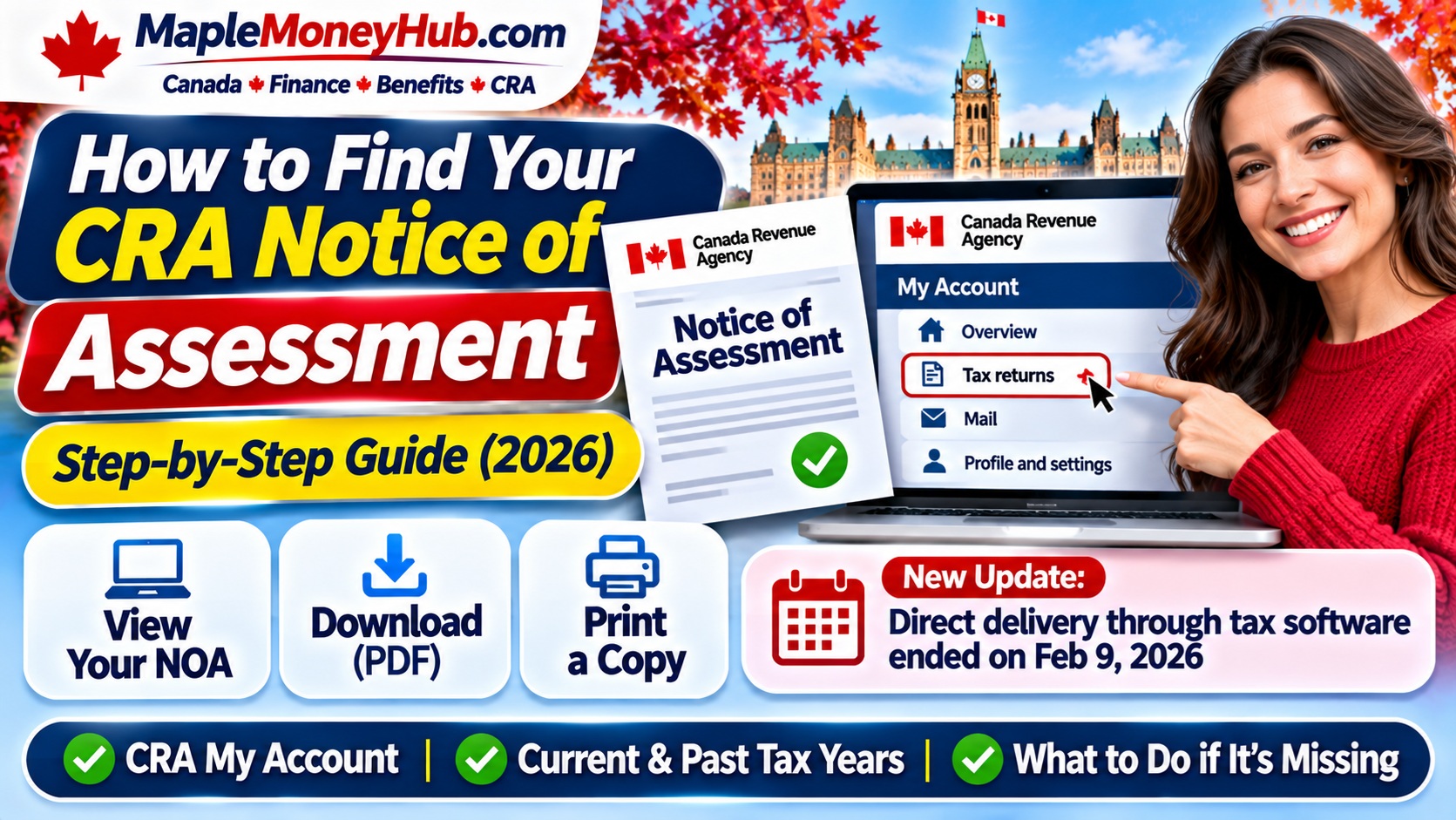
Need your Canada Revenue Agency Notice of Assessment for a mortgage, rental application, loan or government benefit? You can usually find it online without waiting for another letter to arrive in the mail.
Your Notice of Assessment, commonly called an NOA, is the document the CRA issues after processing your personal income tax and benefit return. It summarizes your assessed tax information and tells you whether you have a refund, a balance owing or neither.
Updated: November 11, 2026. This guide includes the CRA’s February 2026 change to how digital notices are delivered.
What Is a CRA Notice of Assessment?
A Notice of Assessment is the CRA’s official summary of its assessment of your income tax return.
After you file a tax return, the CRA processes the information, calculates your tax result and issues an NOA.
Your notice may include:
- The tax year being assessed.
- The date the notice was issued.
- Your assessed income and tax calculations.
- Your refund or balance owing.
- Important adjustments made during assessment.
- Information about available tax-related limits or balances.
- Your NETFILE access code, where applicable.
A Notice of Assessment is not the same as the tax return you submitted. Your return contains the information you reported, while the NOA shows the CRA’s assessment of that return.
How to Find Your Notice of Assessment on CRA My Account
The CRA’s official instructions allow you to retrieve current and previous-year notices through your Individual account.
- Open the official CRA website. Go to CRA sign-in services .
- Sign in securely. Use one of the sign-in methods supported by the CRA.
- Select your Individual account. This opens your personal income tax information.
- Choose Tax returns or Mail. Both sections can provide access to notices.
- Select the relevant tax year. For example, choose the 2025 tax-year notice if that is what your lender requested.
- Open the Notice of Assessment. Review the notice date, assessment details and any balance information.
- Print or save the notice. Use the available print option or your browser’s print-to-PDF feature.
How to Download Your CRA Notice of Assessment as a PDF
Many people need an electronic copy of their NOA to submit to a lender, landlord, accountant or financial adviser.
The CRA allows you to view and print your notices online. If your browser offers a Save as PDF destination, you can use it to create a local PDF copy.
On a Windows computer
- Open your NOA in your CRA account.
- Use the notice’s print option or press Ctrl + P.
- Select Save as PDF if your browser supports it.
- Review the pages in the print preview.
- Save the document to a secure folder.
On a Mac
- Open the notice in your browser.
- Use the print option or press Command + P.
- Select the available PDF save option.
- Choose a secure destination.
- Check the saved file before sharing it.
The exact buttons depend on your browser, device and the notice viewer.
How to Find Your CRA Notice of Assessment on Your Phone
You can also access your NOA using a mobile browser.
- Open your phone’s web browser.
- Visit the official Canada.ca CRA sign-in page.
- Sign in to your Individual account.
- Navigate to Tax returns or Mail.
- Select the tax year and open the notice.
- Use your browser’s share or print options if you need a copy.
On some phones, the PDF save option appears inside the print menu rather than as a separate download button.
If the document is difficult to read on a small screen, try viewing it on a computer or rotating your device.
How to Find an Old CRA Notice of Assessment
The CRA allows taxpayers to view current and previous-year notices through My Account.
You might need an older NOA when applying for a mortgage, confirming past income or reviewing a previous tax assessment.
To find an older notice:
- Sign in to your CRA Individual account.
- Open Tax returns or Mail.
- Find the tax year you need.
- Select the available NOA or NOR.
- Print or save a copy.
If you cannot locate the document online, contact the CRA to ask about obtaining a copy.
What Changed in February 2026?
A major change took effect on February 9, 2026.
The CRA discontinued the service that provided notices of assessment and reassessment directly through certified tax preparation software.
Digital notices are now viewed through CRA’s online portals after the agency processes the tax return.
Taxpayers who do not have a CRA account or whose correspondence preferences provide for letter mail can receive notices at their mailing address.
| Method | 2026 availability |
|---|---|
| CRA My Account | Official online access to notices |
| CRA paper correspondence | Available according to correspondence preferences and applicable CRA rules |
| Notice delivered directly through tax software | Discontinued February 9, 2026 |
| Authorized representative | May access notices through authorized CRA services |
This change does not mean tax software can no longer be used to prepare and submit eligible tax returns. It changes how the official digital NOA is accessed.
Why Is My Notice of Assessment Not Showing?
If your NOA is missing, the first thing to check is whether the CRA has finished assessing your tax return.
| Possible issue | What to check |
|---|---|
| Return still processing | Check the CRA progress tracker |
| Wrong tax year selected | Review the tax-year list |
| Return not received | Check filing confirmation and return status |
| CRA requested documents | Review messages and outstanding requests |
| Limited account access | Complete the steps required for full access |
| Sign-in difficulty | Use official CRA account recovery instructions |
| Notice issued by mail | Check your correspondence preferences and mailing address |
The CRA’s progress tracker can show whether your return was received, is being processed or has been assessed.
For official guidance, visit CRA Progress Tracker .
How Long Does It Take to Receive a Notice of Assessment?
Processing time depends on how the return was filed and whether the CRA needs to review additional information.
For straightforward personal income tax returns, the CRA generally aims to issue notices and refunds within approximately two weeks for electronic filing and eight weeks for paper filing.
These are service targets, not guaranteed deadlines.
| Filing situation | General guidance |
|---|---|
| Electronic filing | Usually around 2 weeks |
| Paper filing | Usually around 8 weeks |
| Return selected for review | May take longer |
| Non-resident return | May take up to 16 weeks |
| Multiple or unusual returns | Additional processing may be required |
Check CRA processing times for the latest service standards.
What If You Cannot Sign In to CRA My Account?
A forgotten password, changed phone number or unavailable multi-factor authentication method can prevent access.
Use the official CRA sign-in recovery process rather than creating multiple accounts without guidance.
You may also find our CRA Account Locked guide helpful.
If you cannot retrieve the notice online, the CRA can provide instructions for requesting a mailed copy.
Can You Get a Notice of Assessment Without CRA My Account?
Yes. The CRA allows taxpayers to request a paper copy of an NOA.
For individual income tax enquiries, the CRA lists 1-800-959-8281 as its general enquiries telephone number.
You may be asked to verify your identity before the CRA can discuss your tax information.
Use the official CRA contact page to confirm contact details and service hours.
Notice of Assessment vs Notice of Reassessment
The CRA may issue more than one notice for the same tax year.
An NOA is issued after the initial assessment of a return.
A Notice of Reassessment (NOR) is issued when the CRA changes an already assessed return.
| Document | Meaning |
|---|---|
| Notice of Assessment (NOA) | Initial CRA assessment of the filed return |
| Notice of Reassessment (NOR) | Updated assessment after a change |
| Proof of income statement | CRA summary of assessed income and deductions |
| Tax return copy | Information filed for the tax year |
If you were reassessed, a lender or other organization may want the most recent NOR rather than an older NOA.
Where to Find Line 15000 on Your CRA Notice
Line 15000 refers to total income on a Canadian personal income tax return.
It is commonly requested when verifying income or completing certain financial applications.
Your NOA summarizes the CRA’s assessment and may show income information used in the calculation.
If an organization specifically requests line 15000, check your assessed return or the CRA proof of income statement.
Do not confuse total income with net income or taxable income. They are different tax calculations.
Using Your NOA for a Mortgage or Rental Application
A mortgage lender may request one or more years of CRA tax documentation to verify income.
This is especially common for self-employed applicants whose income is not demonstrated by a conventional employment pay stub.
Example: Mortgage income verification
Suppose a self-employed Ontario resident applies for a mortgage in November 2026.
The lender requests the 2024 and 2025 Notices of Assessment.
The applicant can:
- Sign in to CRA My Account.
- Open the 2024 tax-year notice.
- Save a secure copy.
- Repeat for the 2025 tax year.
- Provide the documents through the lender’s approved upload system.
If the 2025 return was reassessed, the applicant should ask whether the lender requires the latest Notice of Reassessment.
Some lenders may request additional documents such as T1 Generals or proof of income statements.
Always follow the specific document requirements supplied by the institution.
What Is a CRA Proof of Income Statement?
A proof of income statement is another CRA document used to verify assessed income information.
It is sometimes called an Option C print.
It includes much of the income and deduction information used to assess a tax return.
However, it is not identical to an NOA and does not contain all the same explanatory information.
If a landlord, lender or agency requests an Option C print, do not automatically substitute an NOA without checking whether it is acceptable.
Is It Safe to Email Your Notice of Assessment?
An NOA can contain sensitive personal and financial information.
Before sharing it, confirm the recipient’s identity and use a secure document portal where possible.
- Verify the recipient’s official contact details.
- Use secure upload systems when available.
- Avoid public file-sharing links.
- Do not upload your NOA to an unknown website.
- Keep saved copies in a protected folder.
- Delete unnecessary copies from shared devices.
Frequently Asked Questions
Where can I find my CRA Notice of Assessment?
Sign in to your CRA Individual account, select Tax returns or Mail, and choose the notice for the required tax year.
Can I download my Notice of Assessment?
You can view and print your notice. Depending on your browser, you may be able to save the print output as a PDF.
Can I find my 2025 NOA in 2026?
Yes, if the CRA has assessed your 2025 tax return. Select the 2025 tax year in your CRA account.
Why is my NOA not available?
Your return may still be processing, your account may have limited access, or you may be looking in the wrong tax year.
Can I get an NOA by phone?
You can contact the CRA to request a mailed copy or obtain guidance on accessing your notice.
Is an NOA the same as a T1 General?
No. The T1 return contains tax information filed by the taxpayer. The NOA summarizes the CRA’s assessment.
Is an NOA the same as an Option C print?
No. An Option C print is a proof of income statement. It contains assessed income information but is a different document.
Can I find an NOA from an older tax year?
CRA My Account provides access to current and previous-year notices. If a document is not available online, contact the CRA.
Can my accountant access my NOA?
An accountant or tax representative may access it through CRA services if properly authorized.
Does a tax refund mean my NOA is ready?
The NOA is issued after the CRA assesses the return. Check the account’s assessment status and available notices rather than relying only on a bank deposit.
Related MapleMoneyHub Guides
Official CRA Sources
TL;DR: Finding Your CRA Notice of Assessment
- Sign in to your CRA Individual account.
- Select Tax returns or Mail.
- Choose the NOA for the tax year you need.
- View, print or save the document securely.
- Digital NOAs are no longer delivered through tax software as of February 9, 2026.
- If the NOA is missing, check your tax return processing status.
- You can request a mailed copy from the CRA.
Editorial note: Prepared for MapleMoneyHub.com and reviewed November 11, 2026. This guide is based on official CRA instructions for personal income tax notices and account access. MapleMoneyHub is an independent educational website and is not affiliated with the Canada Revenue Agency. Information is general and does not replace individualized tax advice.
2 thoughts on “How to Find Your Notice of Assessment on CRA My Account (2026 Guide)”